
The Simple Answer
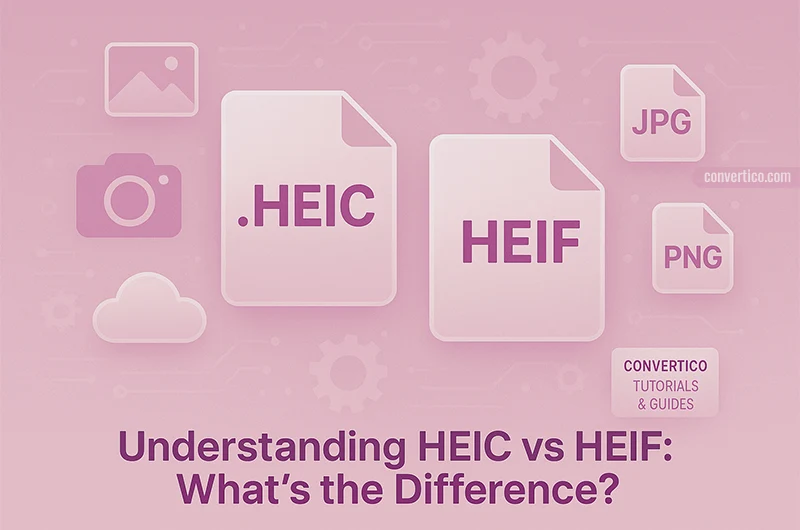
HEIF (High Efficiency Image Format) is the container - think of it as the lunchbox. HEIC is what Apple puts inside that lunchbox: HEIF compressed with the HEVC (H.265) codec.
So: all HEIC files are HEIF files, but not all HEIF files are HEIC. Simple, right?
Quick Comparison
| Aspect | HEIF | HEIC |
|---|---|---|
| What is it? | Container format | Apple's HEIF + HEVC |
| Codec | Any (HEVC, AV1, etc.) | HEVC/H.265 only |
| File extension | .heif or .heic |
.heic |
| Primary user | General standard | Apple devices |
Why Does This Matter?
If you have iPhone photos, they're HEIC. Both formats offer roughly 50% smaller file sizes than JPEG with equal or better quality. The catch? Not everything supports them yet.
Windows users may need to install the HEVC Video Extensions to view these files natively.
Convert for Compatibility
Need your HEIC/HEIF files to work everywhere? We've got you covered with our full suite of HEIC converters and HEIF converters. Popular options:
- HEIC to JPG - Universal compatibility
- HEIC to PNG - Keep transparency
- HEIF to JPG - Same deal, different extension
- HEIF to PNG - Lossless output
Convert HEIC Files Instantly
Drop your iPhone photos and get universally compatible images.
Convert HEIC to JPG